Lau Malaysia Distribution Sdn Bhd
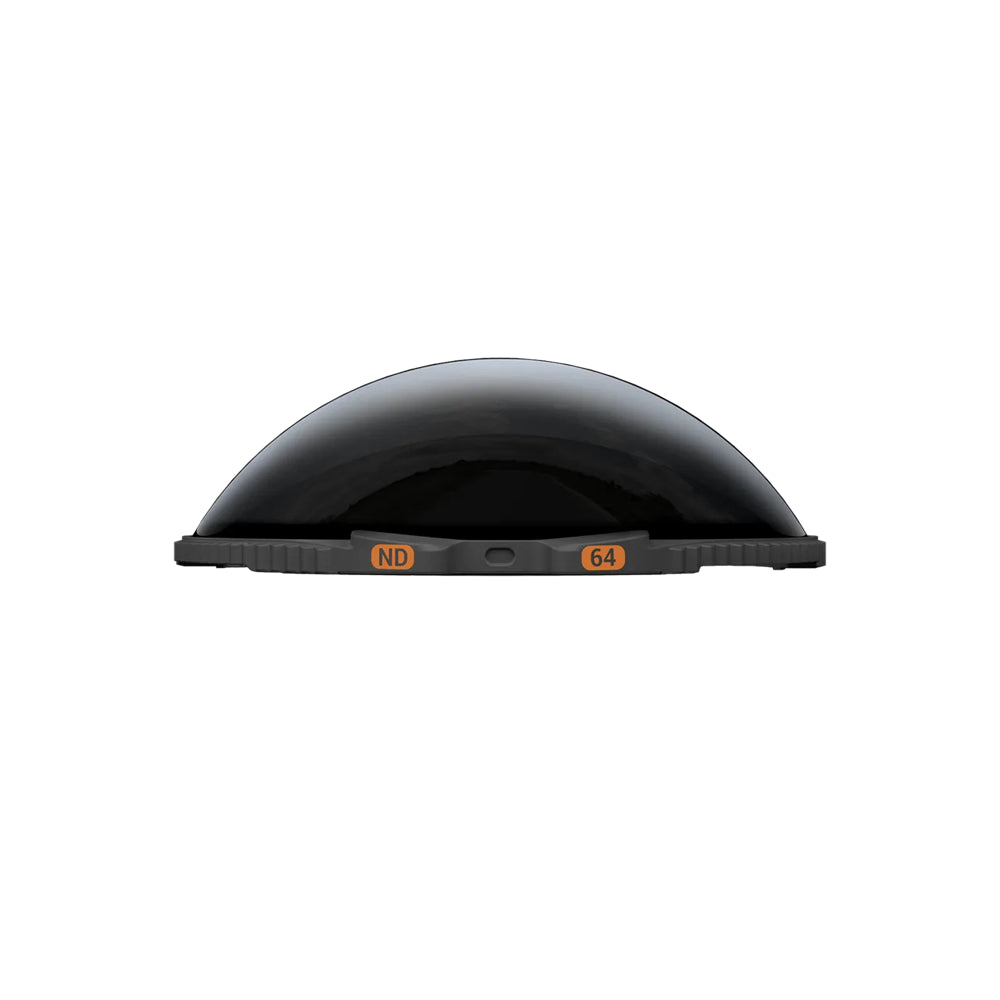
Insta360 X5 ND Filters
Insta360 X5 ND Filters
Couldn't load pickup availability
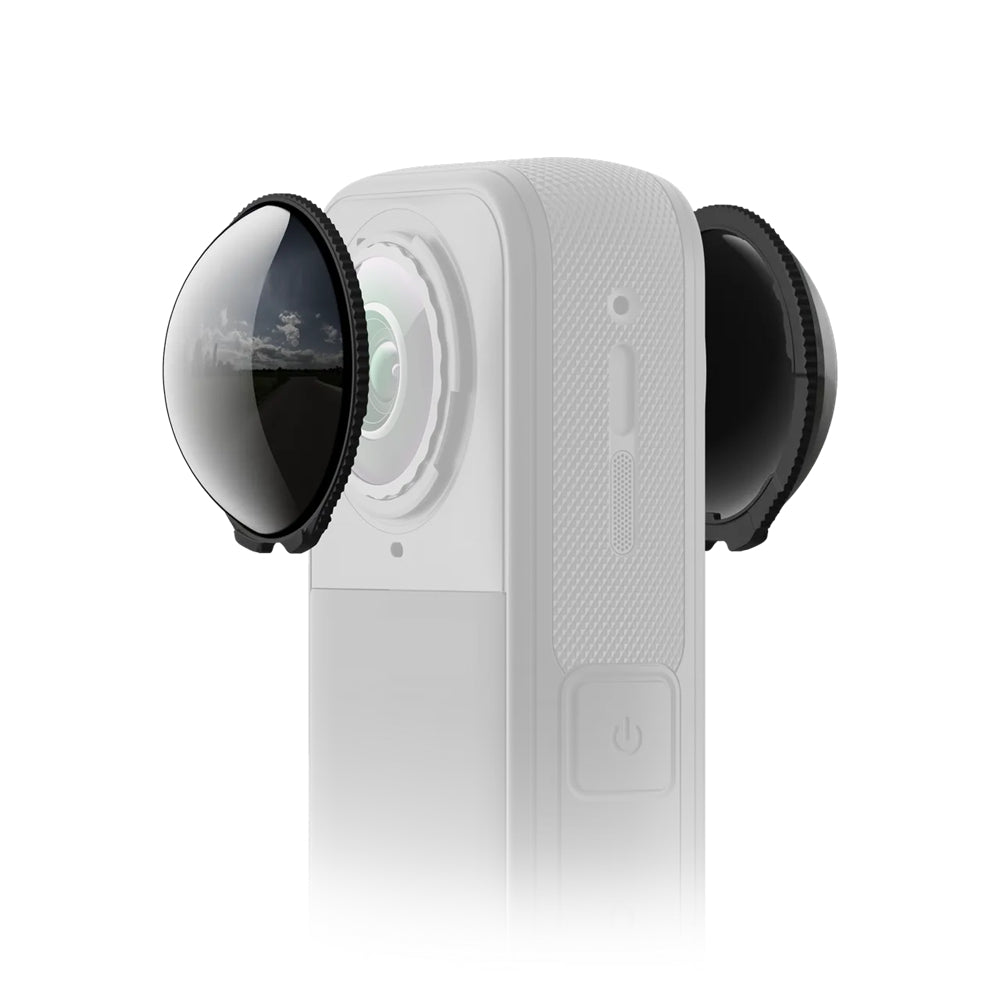
- Tackle bright lighting with ND filters that cut glare and enhance cinematic motion blur.
- Includes ND16, ND32, and ND64 filters to match different lighting and creative demands.
- Enable longer exposures to capture light trails, night scenes, and dramatic motion effects.
- X5 auto-detects ND filters for accurate colors and seamless post-processing.
Note: Due to aperture differences, X5 ND64 ≈ Ace Pro 2 ND32, ND32 ≈ ND16, and ND16 ≈ ND8.
Compatibility: X5
Notes:
1. Avoid dropping the ND filters or exposing them to strong impacts and hard surfaces, as this may damage them. If an ND filter gets damaged, you should replace it.
2. Before installing an ND filter, make sure the filter, camera lens, and surrounding surfaces are clean and dry.
3. Apply ND filters in a clean, dry environment.
4. Ensure the ND filter is securely screwed on before use.
5. You must remove the camera's lens guards before installing an ND filter. Store the lens guards properly for later use.
6. When not in use, store the ND filters in the storage box.
7. Avoid squeezing or pulling the ND filter base too hard when installing to prevent deformation or damage.
8. The ND filters may slightly affect the camera's stitching. For best results, always try to point one lens at the subject.
9. Avoid using the ND filters in rain or water sports due to the non-sealed structure.
10. To avoid fogging, dry the ND filters thoroughly with a soft cloth if exposed to rain, snow, or fog.
11. The ND filters contain magnets. Keep them away from pacemakers and other devices that may be affected to prevent interference.
12. The camera will only display a prompt once the ND filter is installed on the touchscreen side of the camera.
13.The ND filters use magnetic sensors for recognition. If an ND filter isn't properly installed, the camera might mistake it for another accessory. If this happens, reinstall the filter correctly.