Lau Malaysia
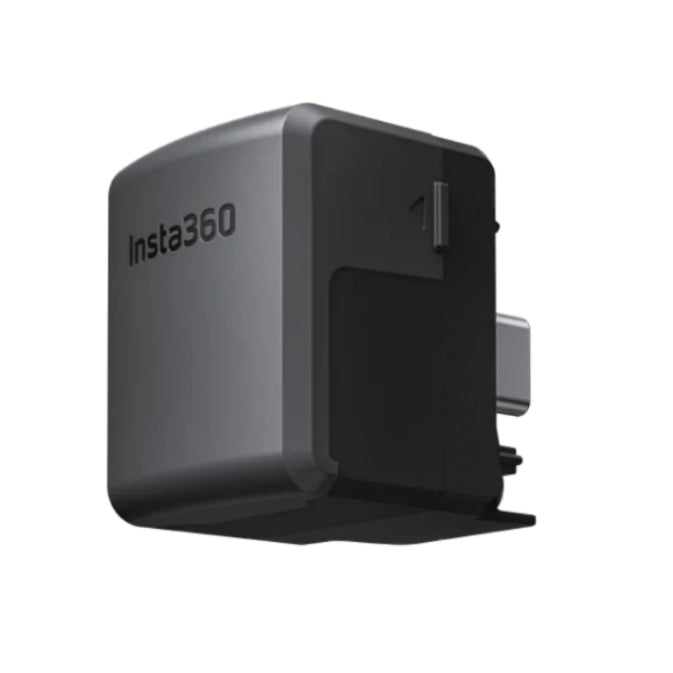
Insta360 New Ace Pro 2 / Ace Pro / Ace Quick Reader
Insta360 New Ace Pro 2 / Ace Pro / Ace Quick Reader
Couldn't load pickup availability
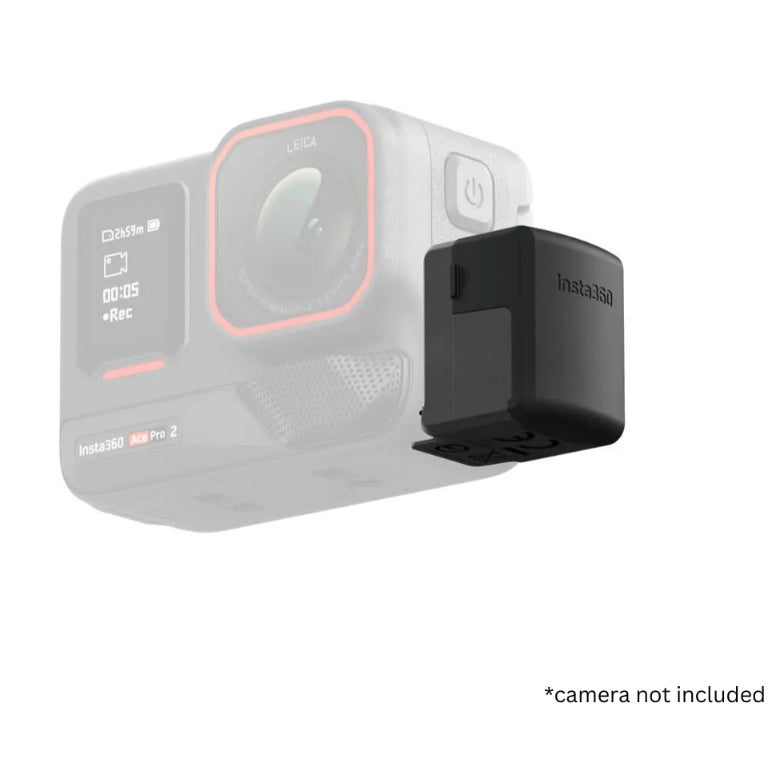
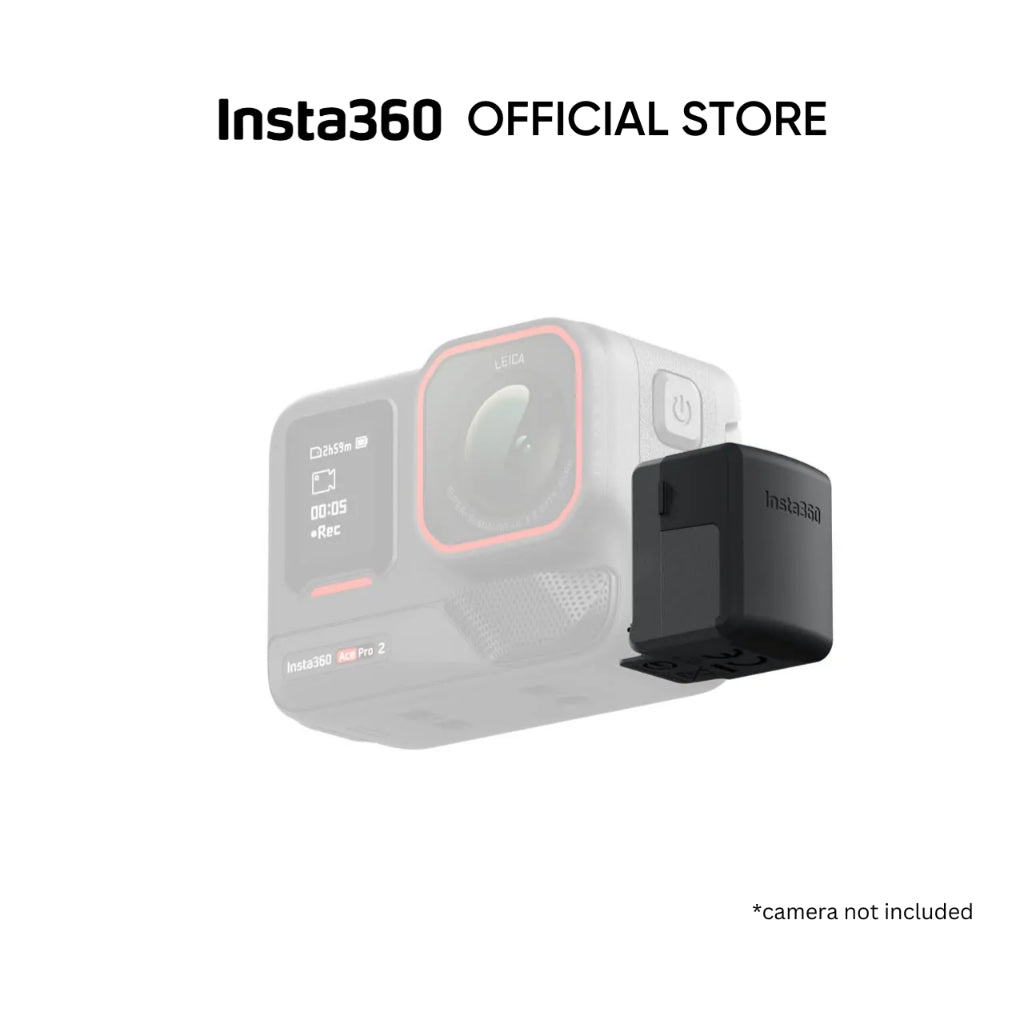
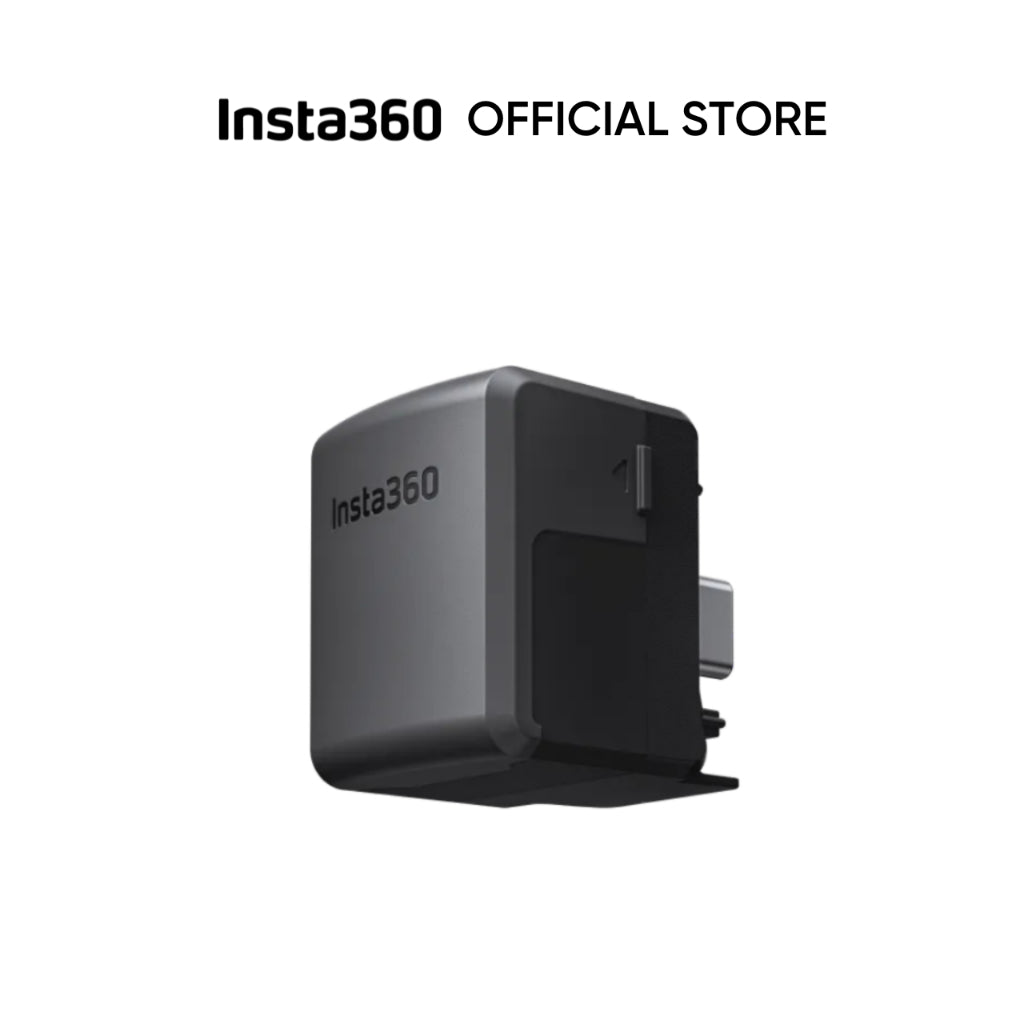
Insta360 Ace Pro 2 Quick Reader
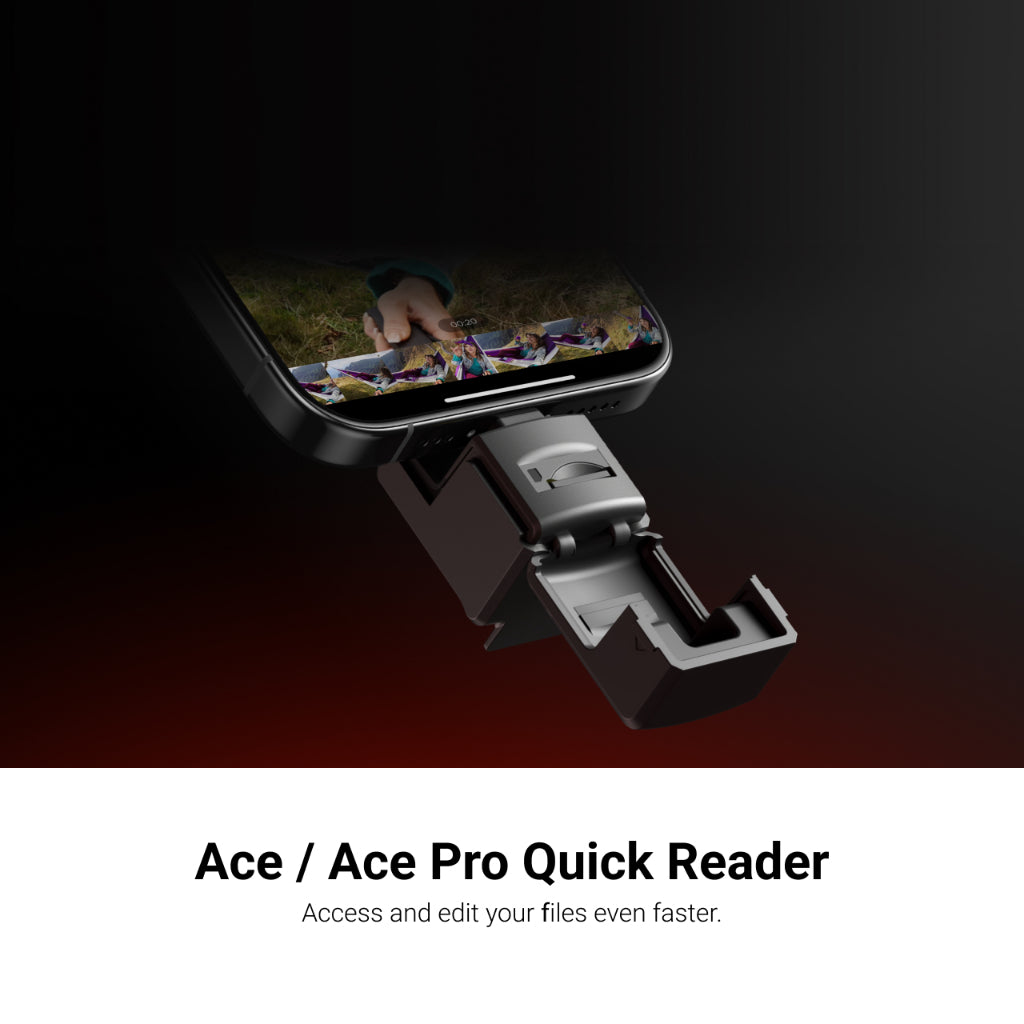
-No Wi-Fi needed, simply plug and play for all of your storage needs.
-Directly connects to your smartphone, drastically reducing SD card read times for faster editing and file management.
-Compatible with iOS (Apple MFI certified) and Android devices.
Compatibility
Insta360 Ace Pro 2, Ace Pro, Ace
How to Use
1. Even with a memory card installed in the camera, data will automatically be stored in the microSD card of the Quick Reader by default when connected.
2. Data will not be stored in the Quick Reader if you remove it before shooting has completed.
3. In sports or intense action scenarios, the Quick Reader will be at risk of disconnecting or shaking loose, use with care.
4. Some mobile phones or tablets need to enable their OTG switch (located in settings) in order to use the Quick Reader, such as OPPO mobile phones.
5. If your mobile phone cannot read exFAT files, such as Google Pixel devices, please note that you will be unable to access files on the Quick Reader.
6. For the best experience, we recommend removing any phone case before using the Quick Reader to ensure it connects correctly with your phone's USB port.
7. Some Vivo phones are not compatible with the Quick Reader. Please consult After-Sales Service for more information.