Lau Malaysia
Insta360 GPS Preview Remote with Built-In Mic
Insta360 GPS Preview Remote with Built-In Mic
Couldn't load pickup availability
- All-in-one remote to streamline your creative workflow. Pair with Insta360 Ace Pro 2 or X5 for live image preview, remote control, audio recording, and real-time data.
- Built-in microphone delivers high-quality audio, with two adjustable noise reduction modes for clear sound. Record in 24-bit (default) or 32-bit floating point.
- Stable remote control and audio transmission up to 525ft (160m).
- Built-in GPS accurately records data such as route, speed, and direction.
- Easily import and sync speed, elevation, and GPS data to your videos in the Insta360 app or Studio.
- Live image preview for perfectly framed shots and remote control to adjust settings up to 328ft (100m).
- LCD screen with customizable wallpapers to show off your style or display your brand's logo.
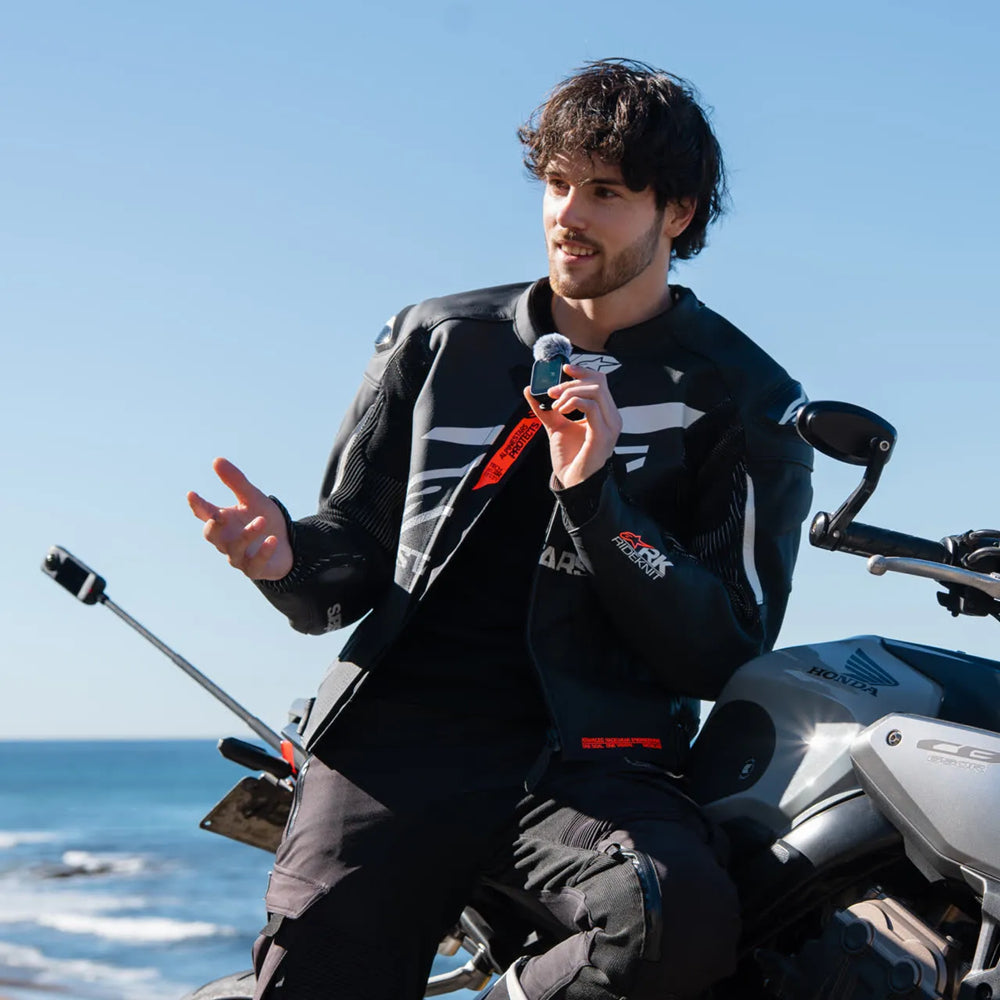
- Choose from multiple creative mounting options, with included accessories to attach the remote to your wrist, handlebars, selfie stick, or shirt collar.
- Keep up to date with the latest official firmware for the best experience.
Compatibility: X5, Ace Pro 2
Notes:
1. This product contains magnets. Please keep it away from pacemakers and other devices to avoid interference.
2. The product should only be used in temperatures from -4°F to 104°F (-20°C to 40°C).
3. The battery may be depleted if the product is not used for a long time (e.g., two months or longer). If this happens, please charge the product fully, then turn it on.
4. Do not drop, disassemble, crush, insert foreign objects or place heavy objects onto the remote, as this will cause damage.
5. Do not leave the product near heat sources such as a furnace, heater, inside a car or in direct sunlight.
6. Wipe the product dry as soon as possible after contact with water. Do not wear it when swimming or diving.
7. Do not use any liquid cleansers on the product. Do not wipe the charging points on the remote with liquid detergent, as these may corrode and rust, affecting the remote. Clear the product with a soft, dry cloth.
8. Before using this product for surface water sports, apply a dry Disposable Double-Sided Sticker on the back of the remote and attach it to the strap for extra security.